

Connected Sales and Customer Project Platform
We designed and built NanaWall’s iPad and web sales app and its customer portal, plus the back-end that keeps them in sync with Salesforce Headless 360 and NanaWall’s CMS.
- End-to-end build
- iPad & Web App
- Customer Portal
- Salesforce Headless 360
- Manufacturing
The challenge
NanaWall’s sales conversations needed to run on the same data as the rest of the business.
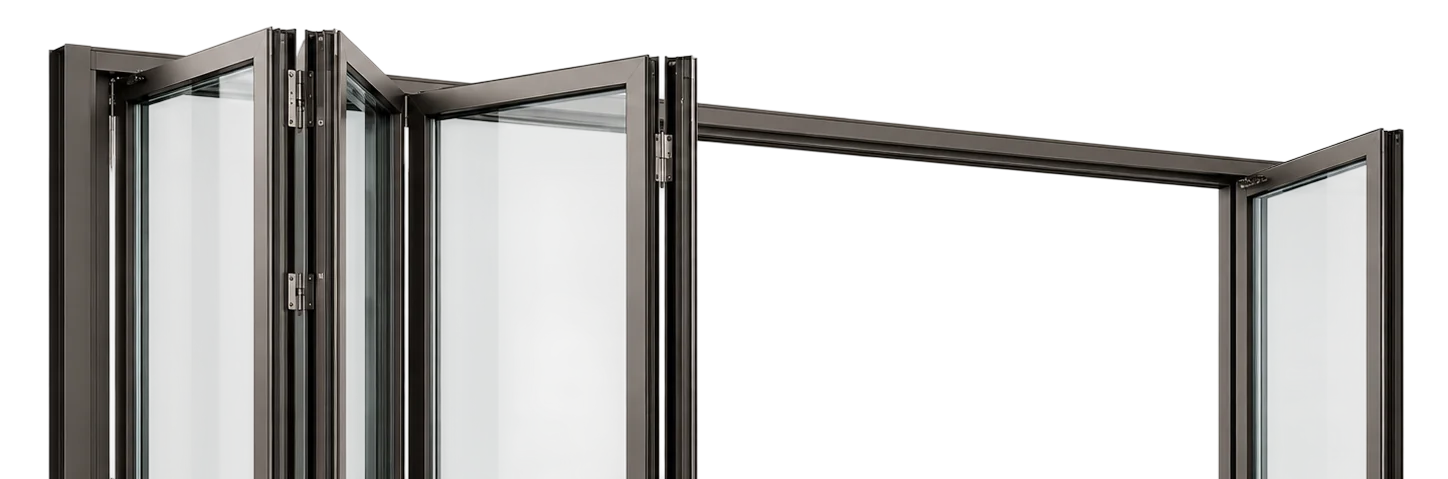
NanaWall created the opening glass wall category in 1986 and sells highly configurable systems to architects, builders, dealers and homeowners across North America. Each project involves its own mix of products, sizes, finishes, drawings and people, and it can run through many conversations before anything is ordered. The project record lives in Salesforce. The product catalog, brochures, specifications and CAD and Revit files live in the CMS behind nanawall.com.
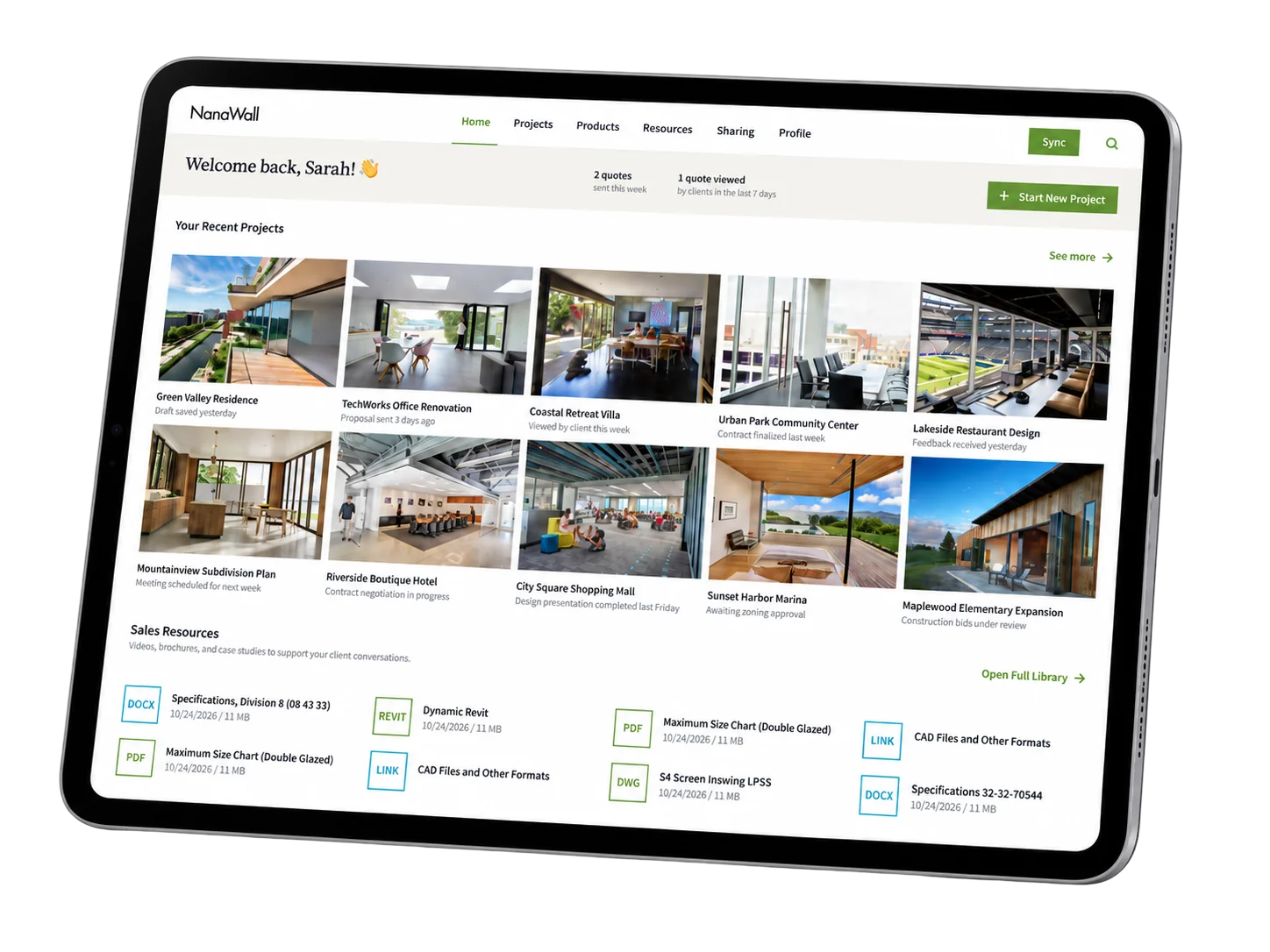
The sales team needed one tool that brought all of this together on an iPad in front of a client. The same work had to be waiting for them at their desk afterward, and none of it should require opening Salesforce. Anything a rep shared had to stay attached to the project and the person who received it, rather than getting lost in an email thread. Customers also needed a place of their own to follow the project, ask questions and sign off on it. NanaWall didn’t want to maintain a second copy of its data to make that happen.
Project Overview
One project. Three connected experiences.
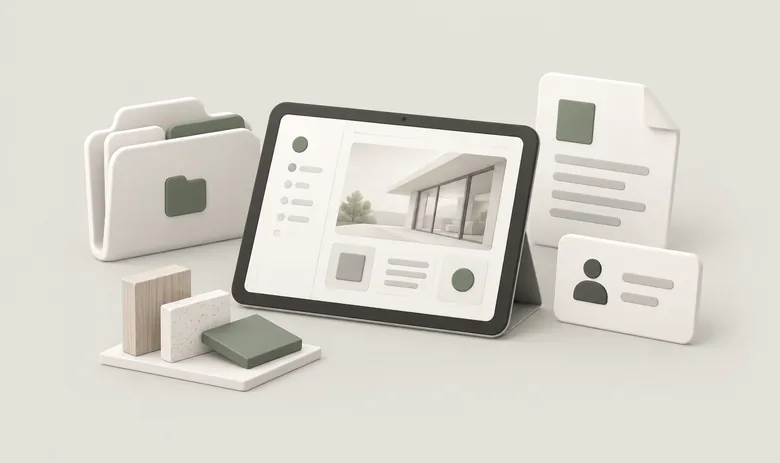
We designed the platform around the customer project instead of individual screens. Products, resources, shares, quotes, conversations and approvals all attach to the project. The iPad app, the web app and the customer portal are three views of the same record, and Salesforce stays the system of record behind all of them.

An iPad workspace built around the project
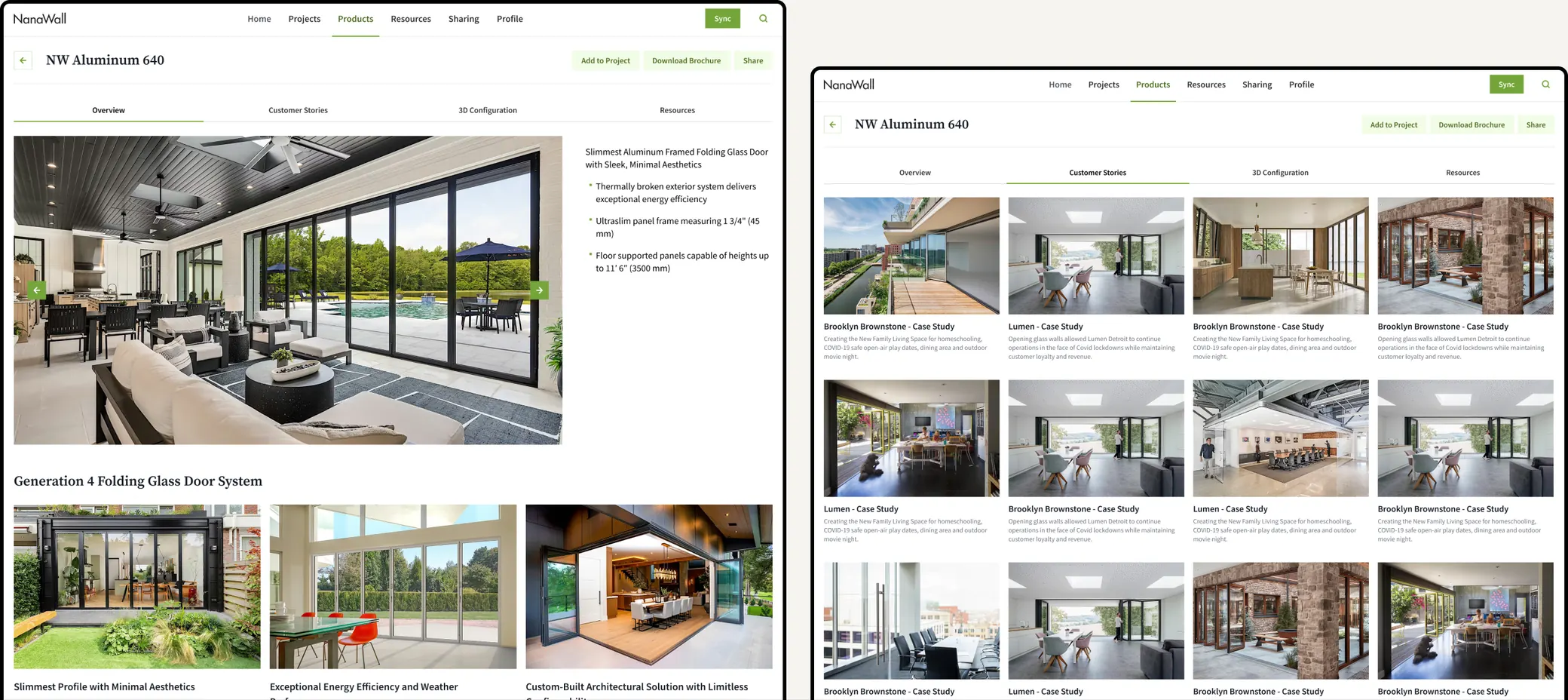
Reps open the app to their own projects, pulled from Salesforce with quotes, contacts and files attached. Products, galleries of installed work, customer stories and technical resources are in the same app, so a rep can go from showing what a system looks like to handing over its spec sheet without leaving the conversation. Before a visit, reps can prepare the app for offline use and present without a connection.
Start on the iPad, finish on the web
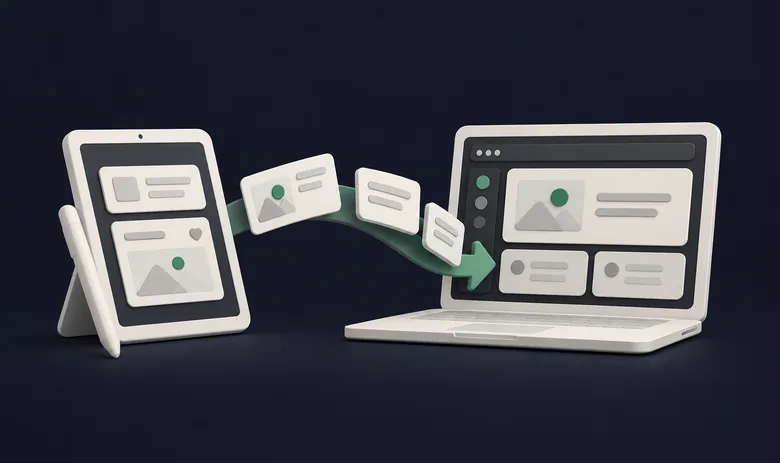
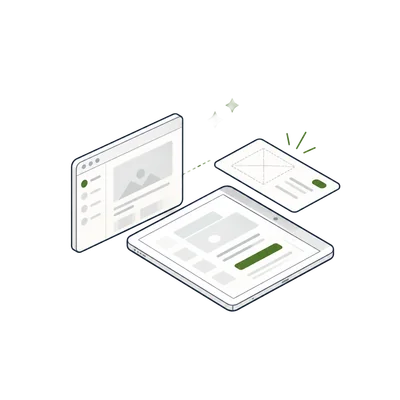
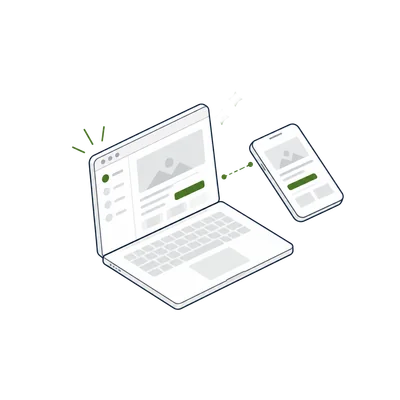
The sales team doesn’t have to finish everything in the meeting. A rep can start a share or update a project on the iPad in front of a client, then pick it up later in the web app at their desk, exactly where they left off. Both apps run on the same back-end and the same project data, so nothing needs re-entering or syncing by hand.
A portal for every customer project
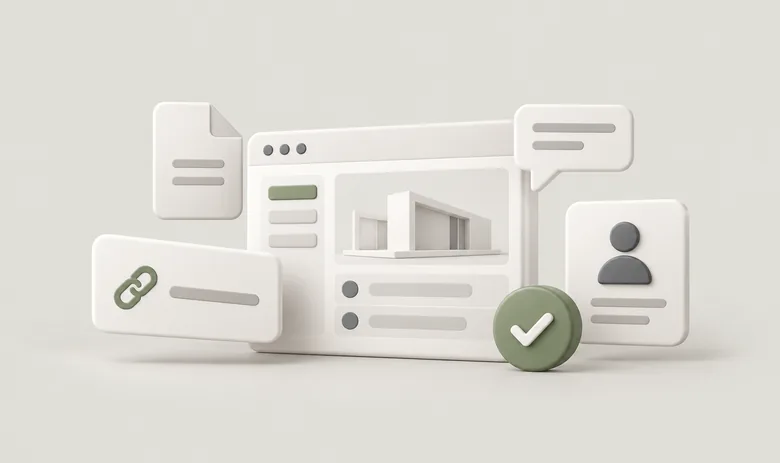
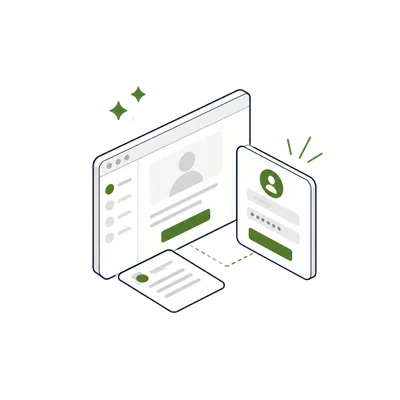
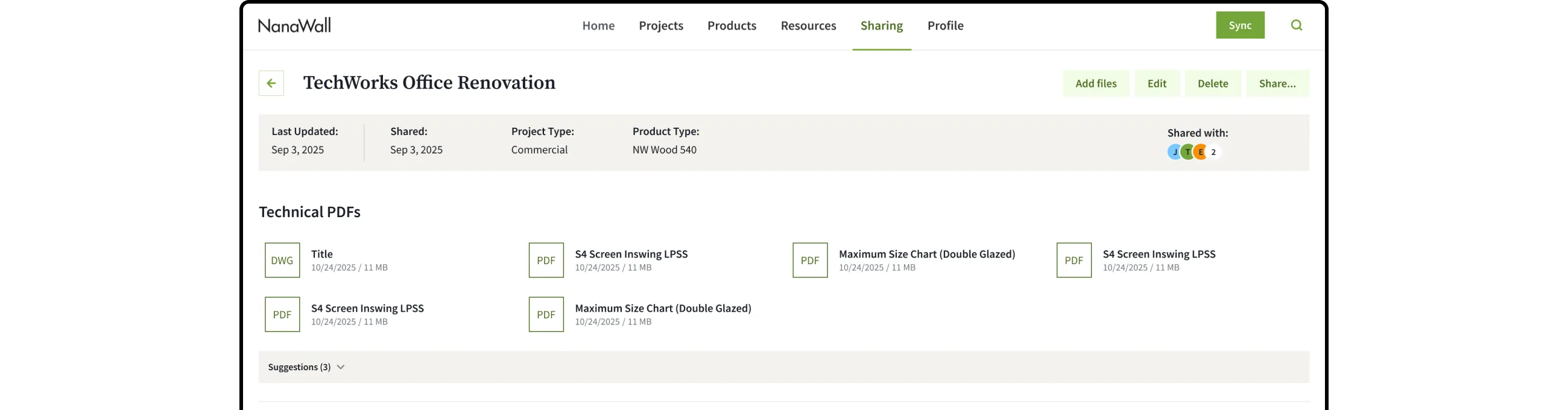
Customers get their own space for their project. From a secure link in their email, they can see everything about the project in one place: its details, the products and documents the sales team has shared, and the files they can download. They can message the sales team and ask questions right next to the material the question is about, upload their own documents, and approve the project when they’re ready.
What we did
We turned a fragmented sales journey into one connected platform
Product and UX/UI design for iPad, web and portal
We mapped how projects, products, resources, shares, conversations and approvals relate to each other. Then we worked out the information architecture and core flows in wireframes before starting visual design. We designed the iPad app, the web app and the portal as one system, so work carries across devices and the customer sees the same project the rep does. On the iPad, layouts, information density and touch targets were designed for a 10-inch tablet used across the table from a client.
Built the iPad app
We built an iPad-only React Native app with its own local database. Reps browse projects, products and resources, and can open PDFs, CAD and Revit files, videos and product animations inside the app. They can mark up PDFs and build a share on the spot. Offline mode downloads what a rep needs in advance and holds any changes until the device is back online.
Built the web app, so work continues after the meeting
The web app mirrors the iPad app feature by feature, so a project or share started on the iPad is waiting in the browser. Reps can finish what they started with a client, add documents or send the share from the office. The two apps share a single TypeScript package for business rules and validation, so a project behaves the same way on both.
Built the customer portal
Customers sign in with a one-time code from the link in their email. They see only their own projects and the material shared with them. The portal holds everything about the project in one place, including project details, products, technical documents and files. It’s also where the conversation happens: customers message the sales team, ask questions and upload documents, and the rep sees it all on the same project on the iPad or the web. When the customer is ready, they approve the project in the portal.
Quick Share: sharing that stays connected
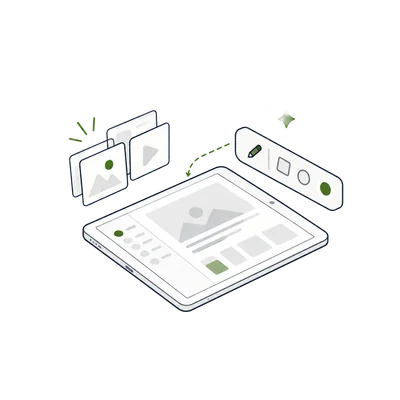
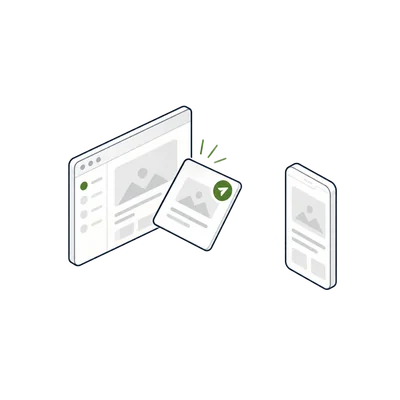
Reps put together a share from products, galleries and technical documents, and the app suggests items based on the product and the project type. Recipients open the share in the portal. The rep can see its delivery and access history, and can re-send, revoke or archive it. A new recipient is added to Salesforce as a lead, and a share can be turned into a project.
Back-end, delivery and access control
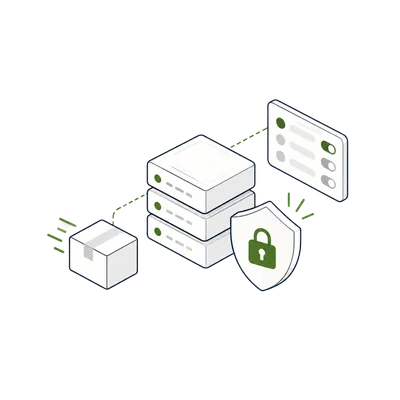
We built a NestJS API with role-based access, notifications, and search across projects, quotes, files and shares. Share emails go through a delivery queue that retries automatically, and the sender is notified if a message can’t be delivered. When a user is deactivated in Salesforce, they lose access to the app at the next sync, and a lost iPad can be signed out remotely.
Built on Salesforce Headless 360 and NanaWall’s CMS
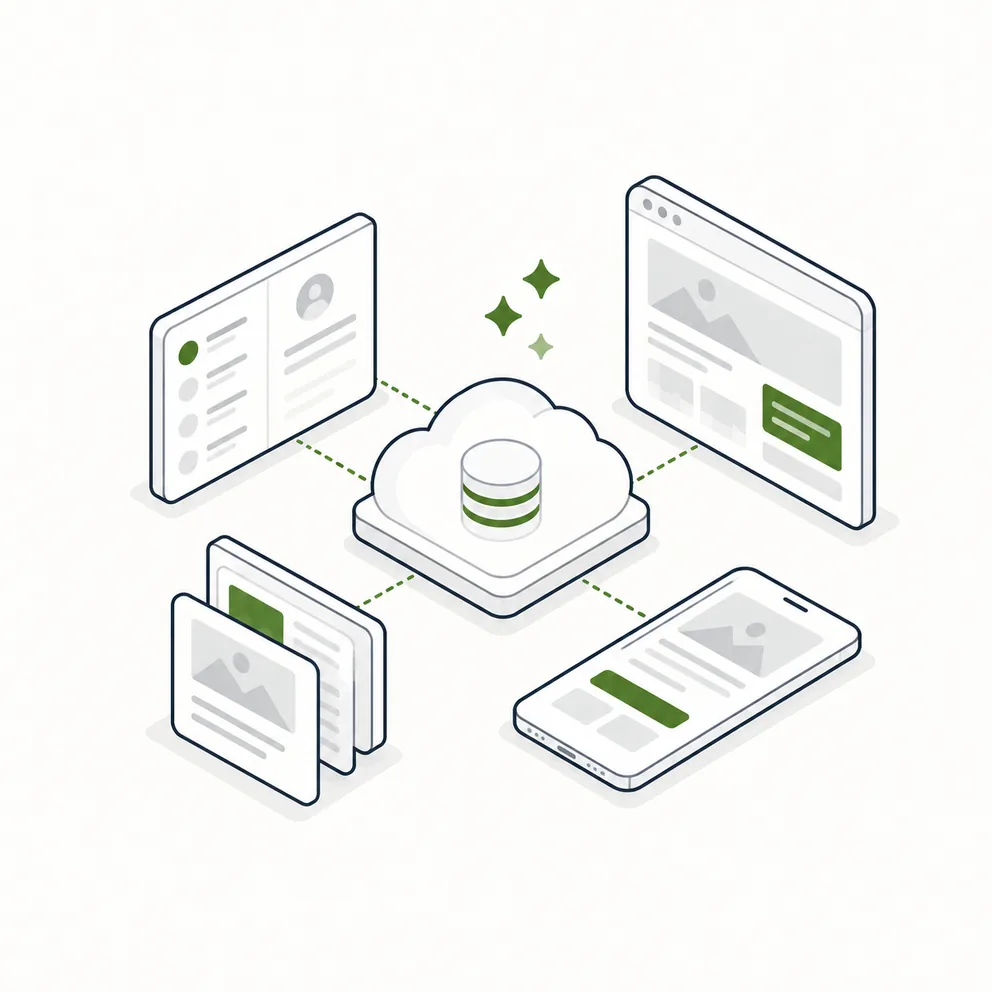
Salesforce stays the system of record, and reps never need to open it. Through Salesforce Headless 360, the platform works with Salesforce data through APIs rather than the Salesforce interface. It keeps accounts, users, opportunities, quotes and cases in sync, links every project back to its Salesforce record, and writes new leads back into Salesforce. The product catalog, brochures and technical resources come from the Drupal CMS behind nanawall.com, and NanaWall’s content team chooses what appears in the app from inside the CMS they already use. Scheduled health checks monitor the website integration and alert the team if a change to the site would break it.
Tested and shipped like an enterprise product
We set up automated end-to-end test flows on iPad, AI-assisted code audits, error monitoring across the apps, and managed iOS builds. We also took the app through Apple review for private distribution to NanaWall’s team, because it’s an internal app installed on employees’ own devices.
The result
One connected journey from conversation to approval
Salesforce projects and nanawall.com product content in one iPad app
Work started on the iPad continues in the web app
Customers review, discuss and approve their projects in one portal
Every share stays tied to its project and recipient, with delivery and access history
Reps can prepare for offline and present without a connection
App access follows Salesforce: deactivated users are locked out automatically
Tech stack
The technology behind the platform
- Expo + React Native (iPad app)
- Next.js + Tailwind CSS (web app and customer portal)
- NestJS + Prisma (back-end API)
- PostgreSQL
- Salesforce Headless 360 (CRM data and business logic via API)
- Drupal CMS (nanawall.com product catalog and resources)
- AWS S3 (file storage)
- Twilio Verify + Resend (one-time codes and email delivery)